Colouring Pictures
souda shelter
Colouring image collection
Here you’ll find free coloring pages. Enjoy!
It is a collection of animals in different locations and time periods
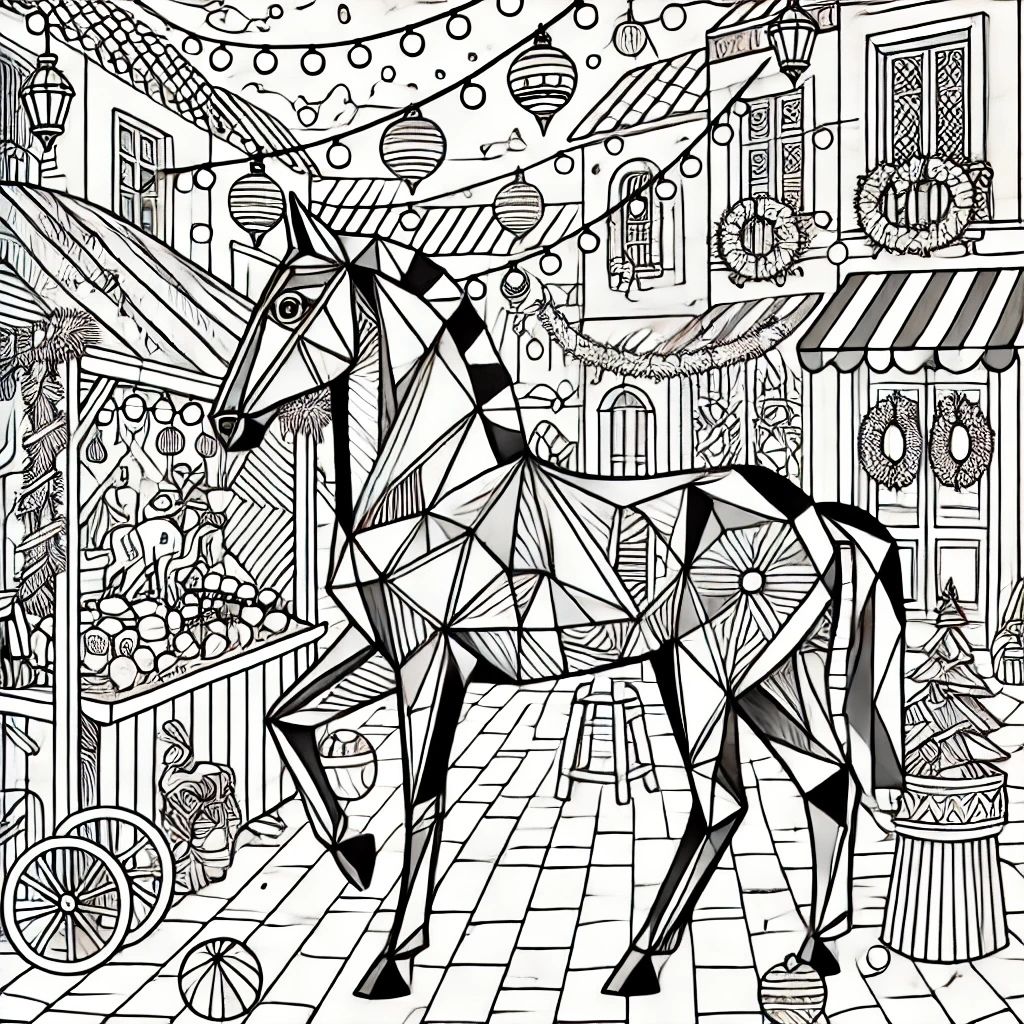
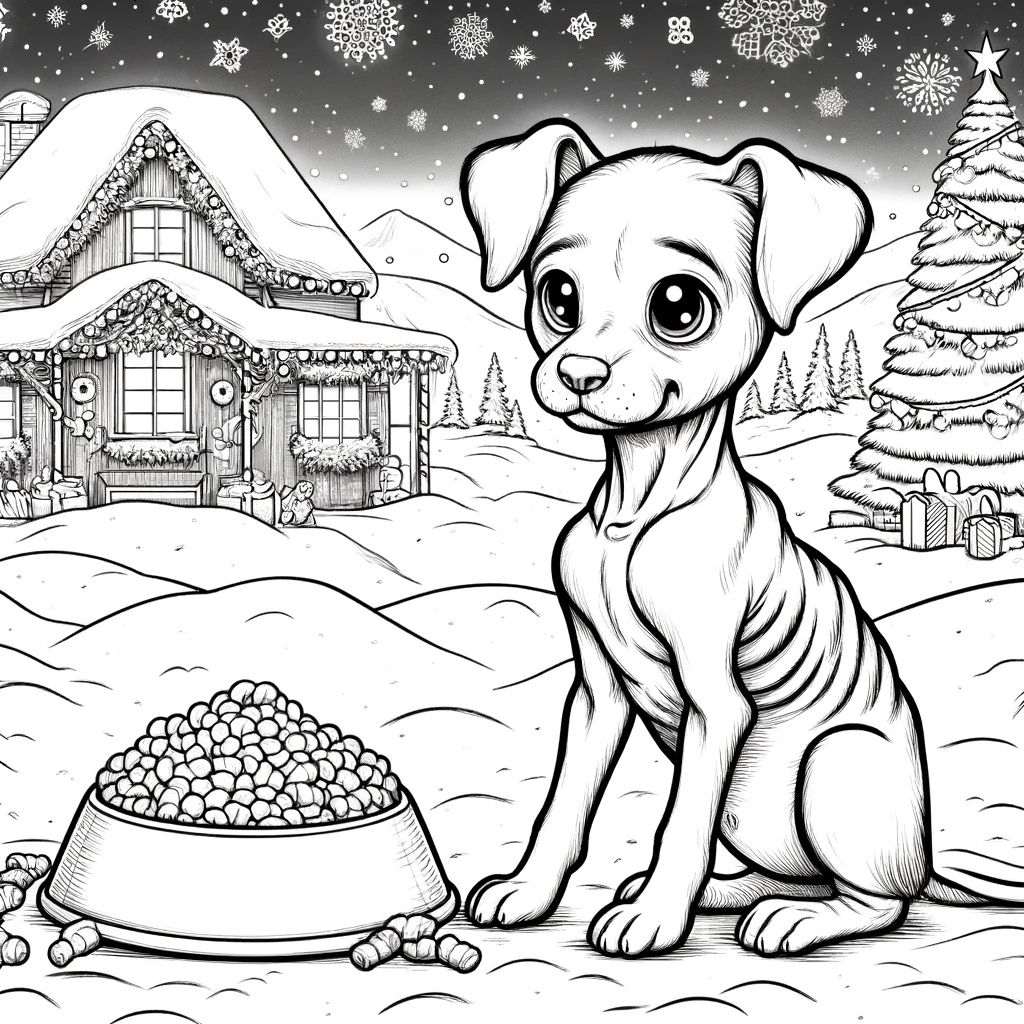
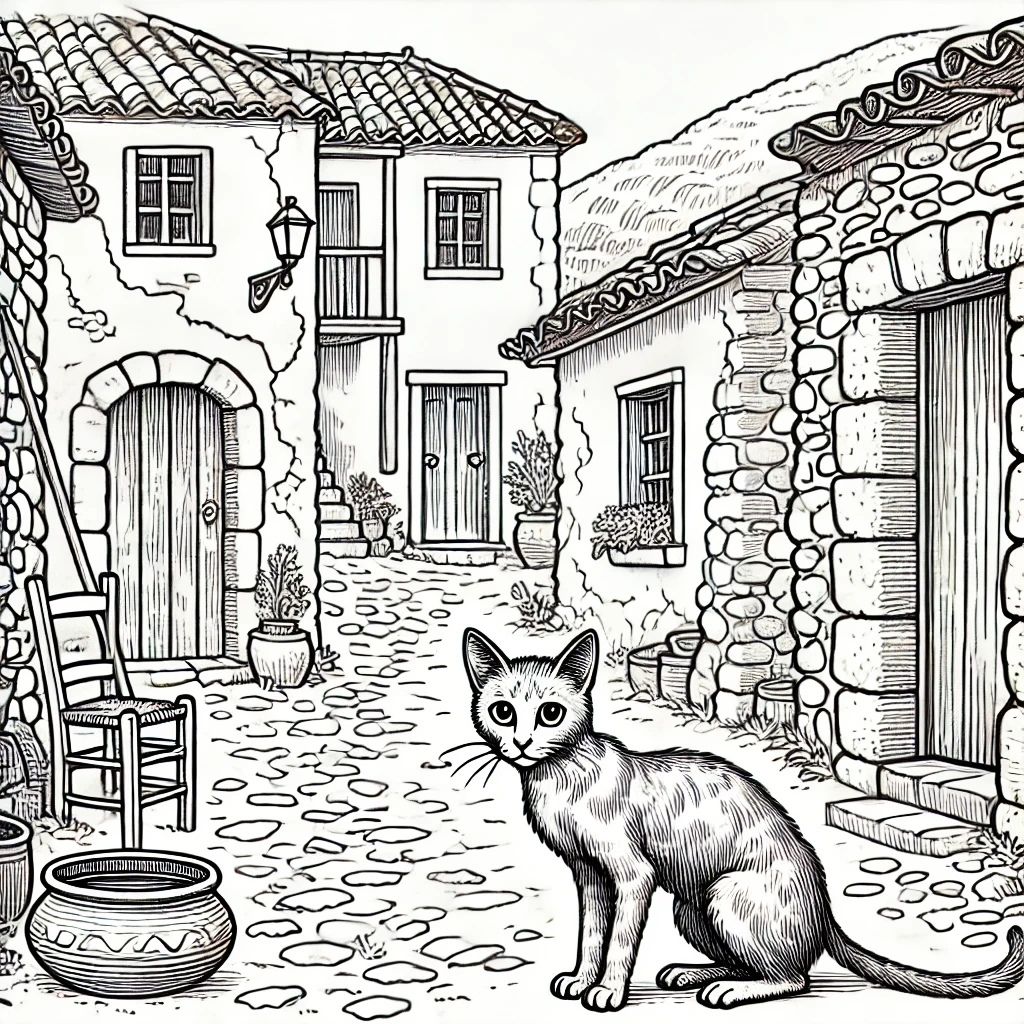
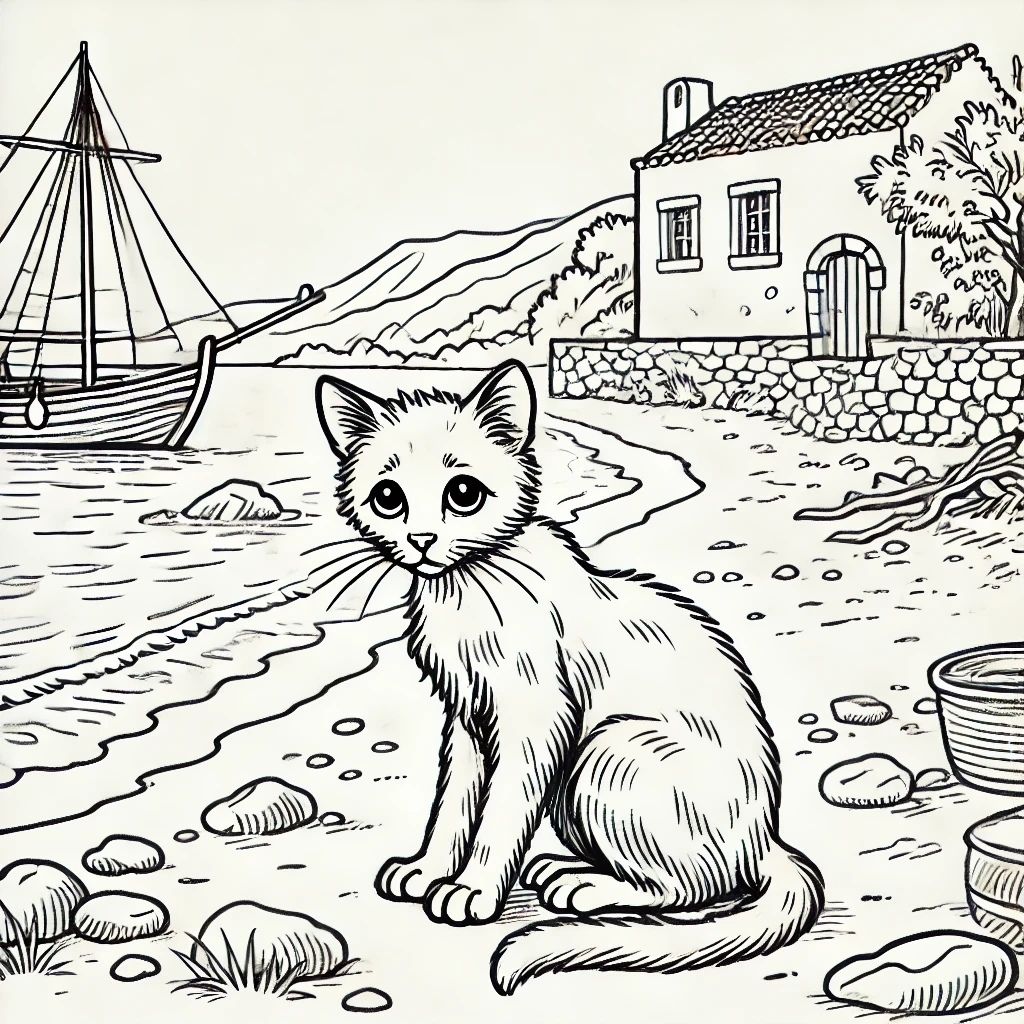
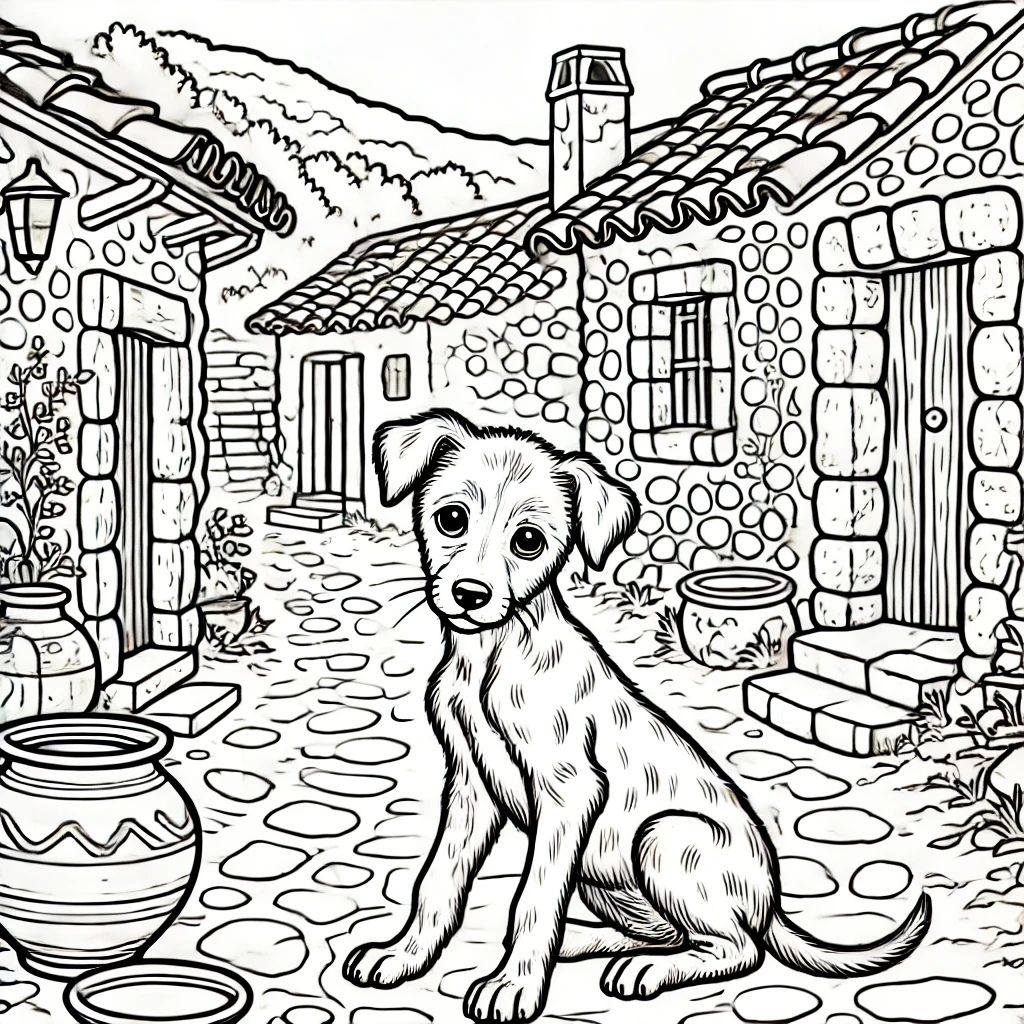
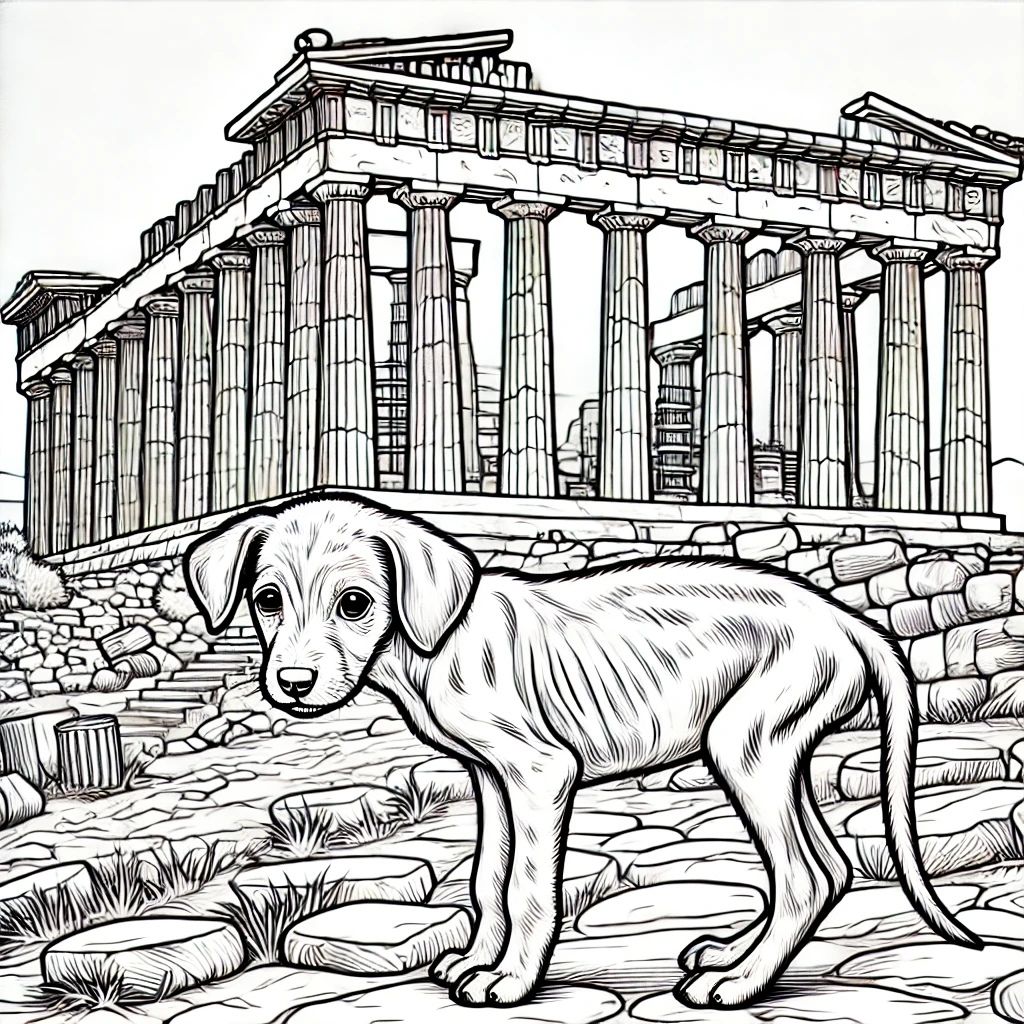
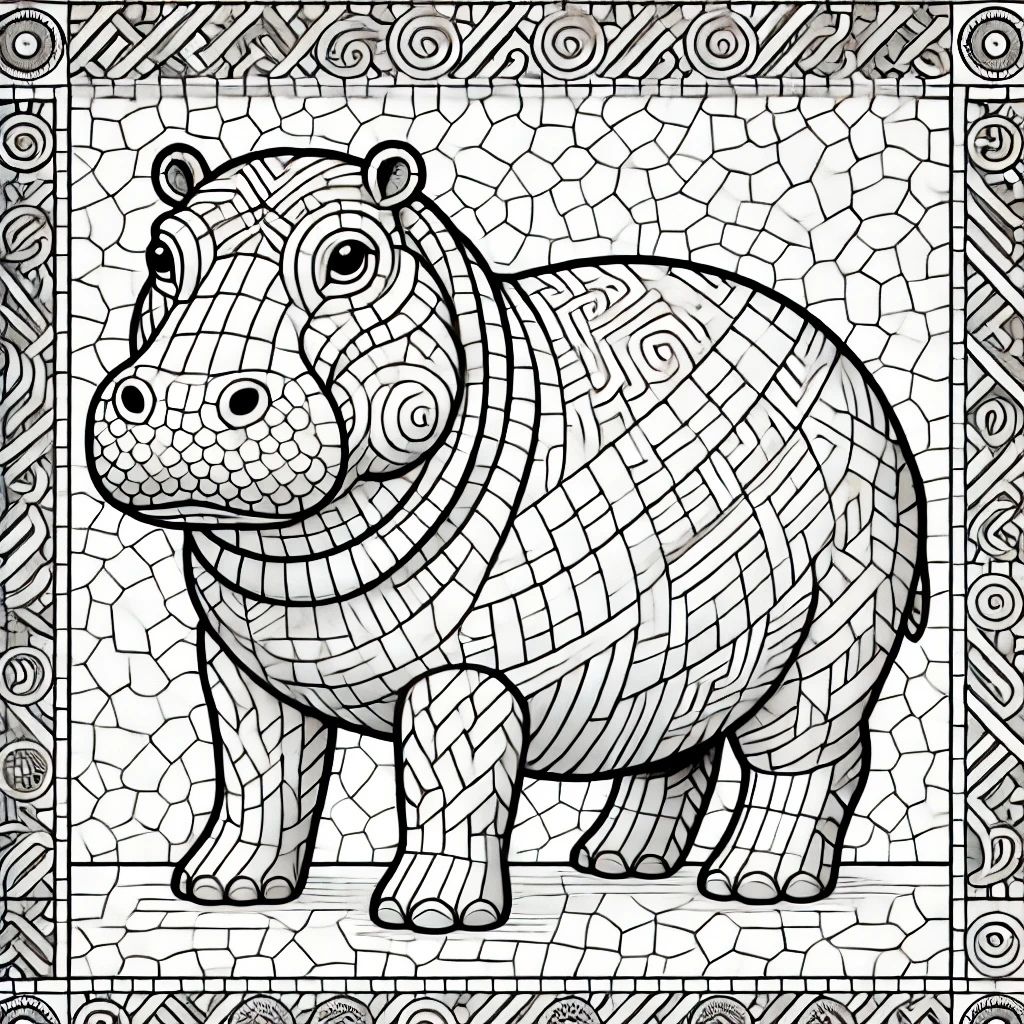
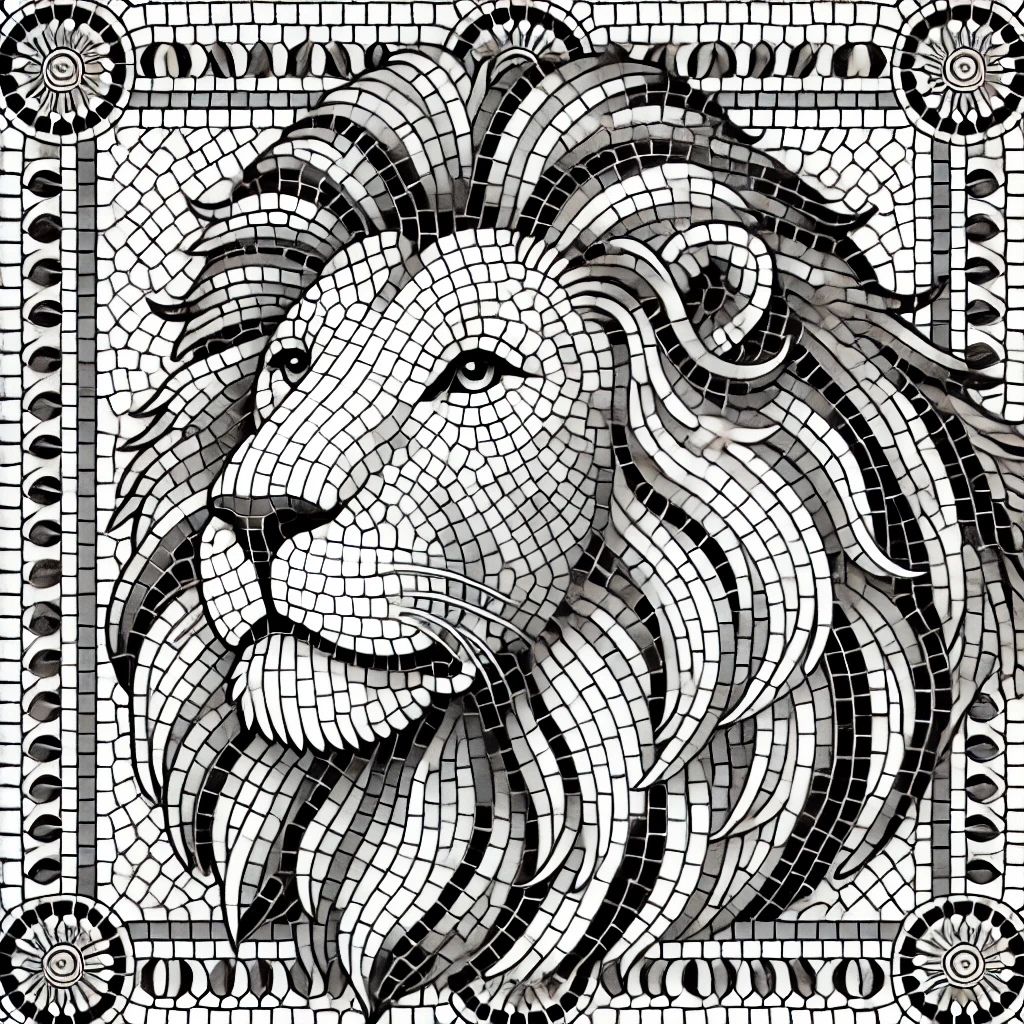
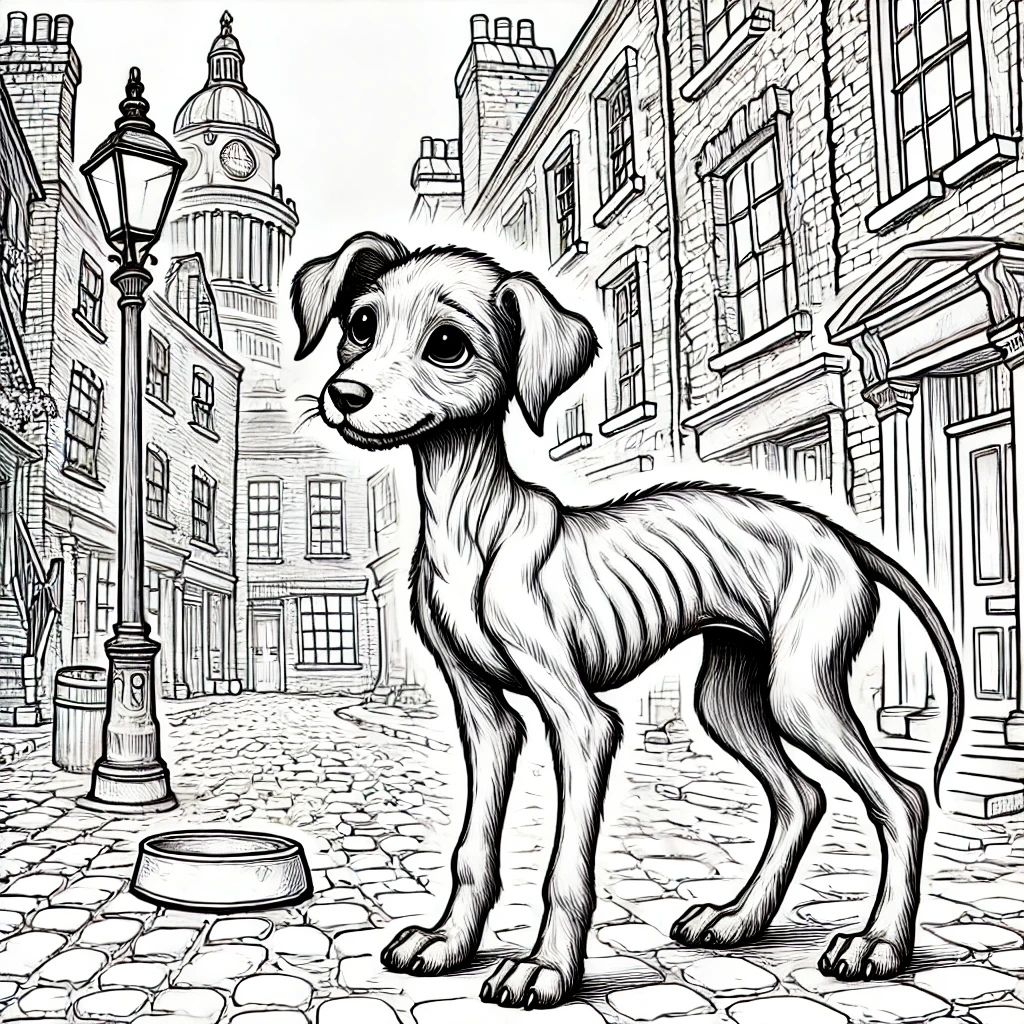
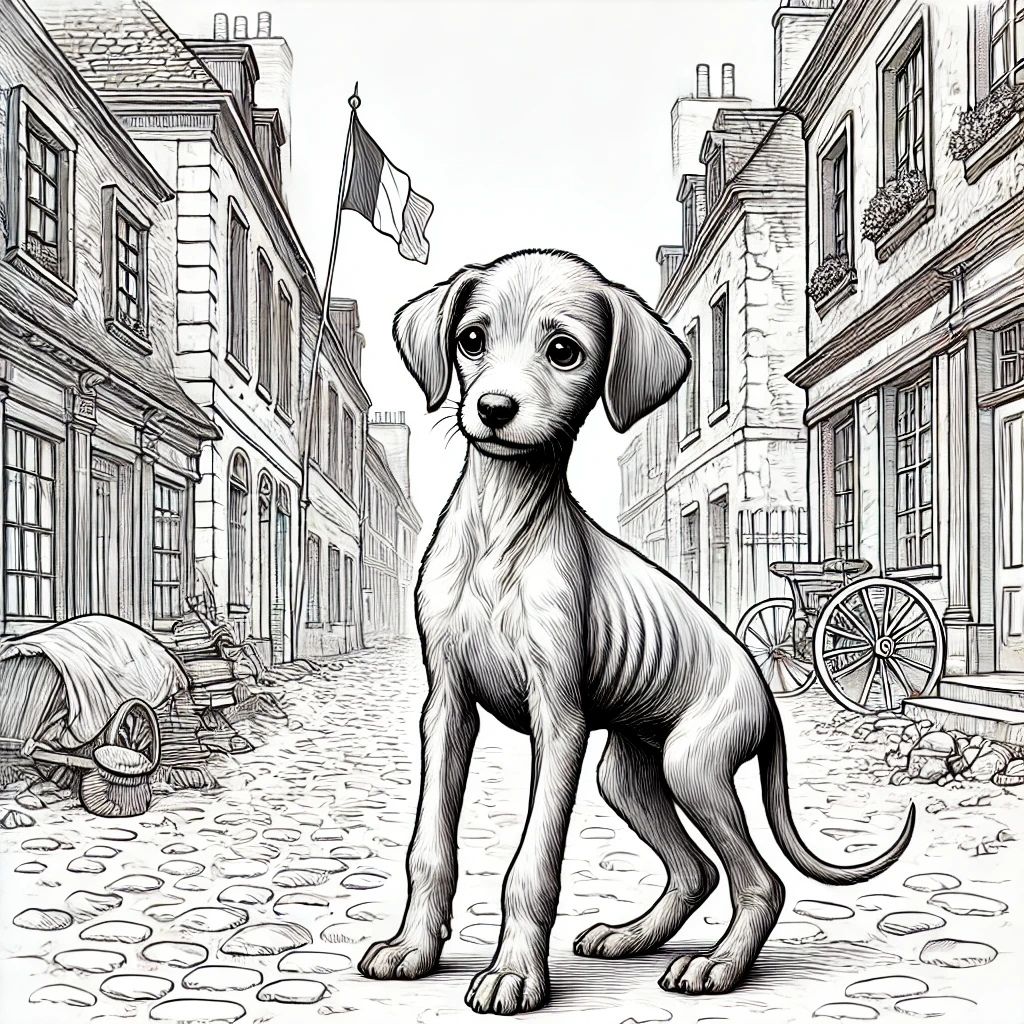
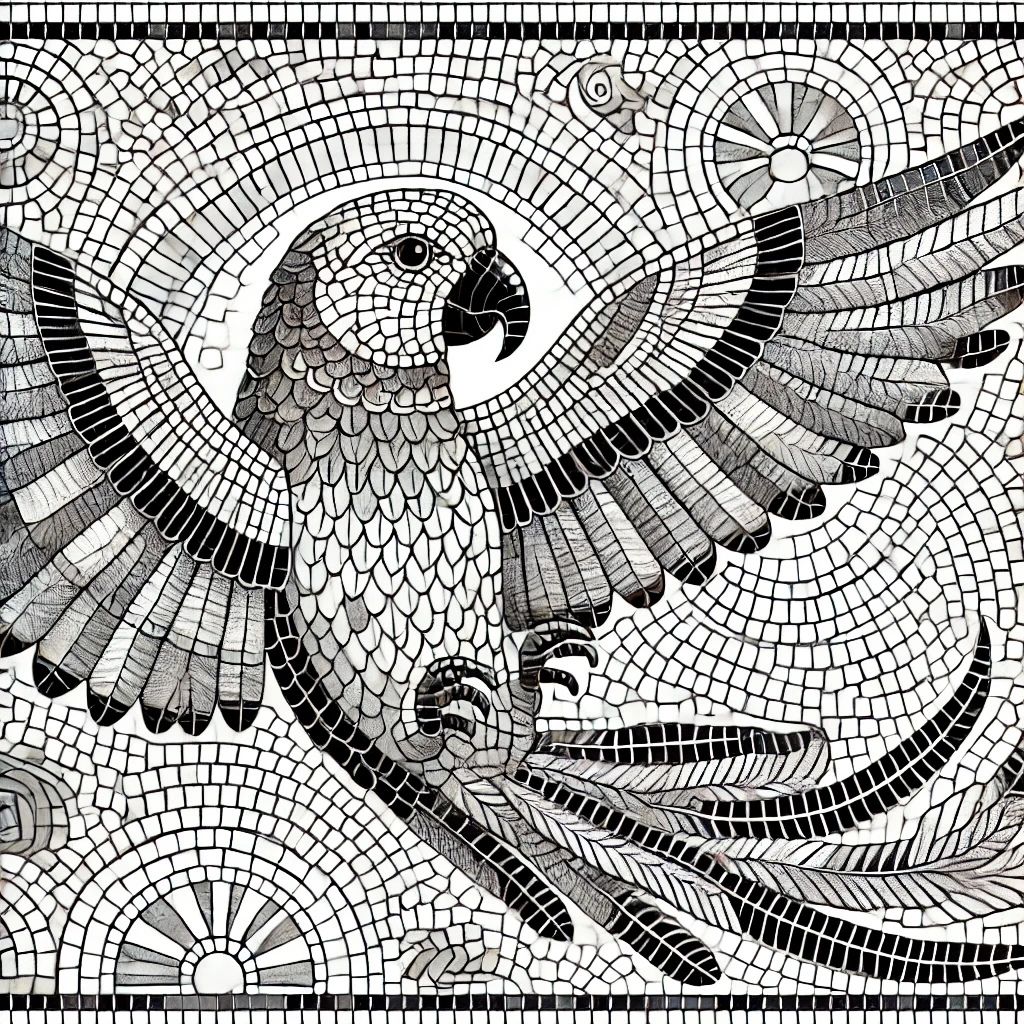
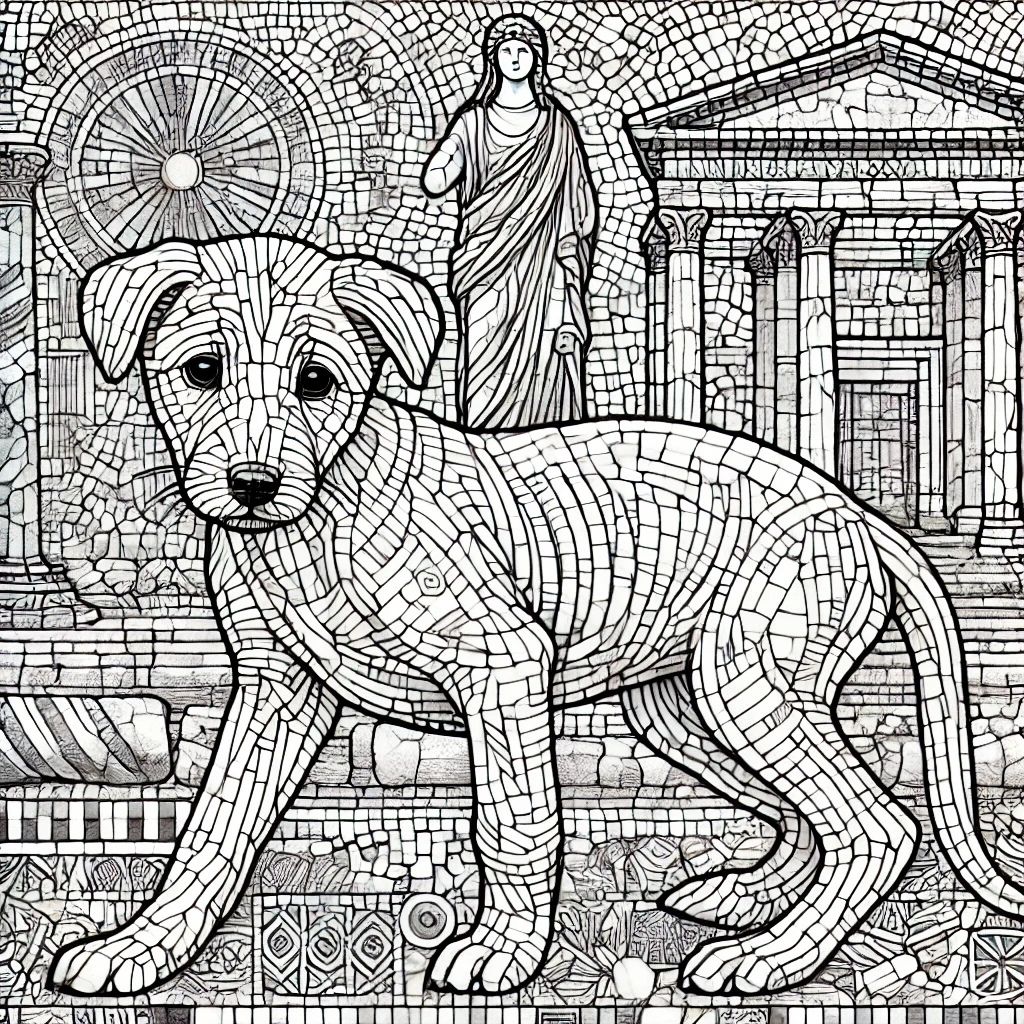
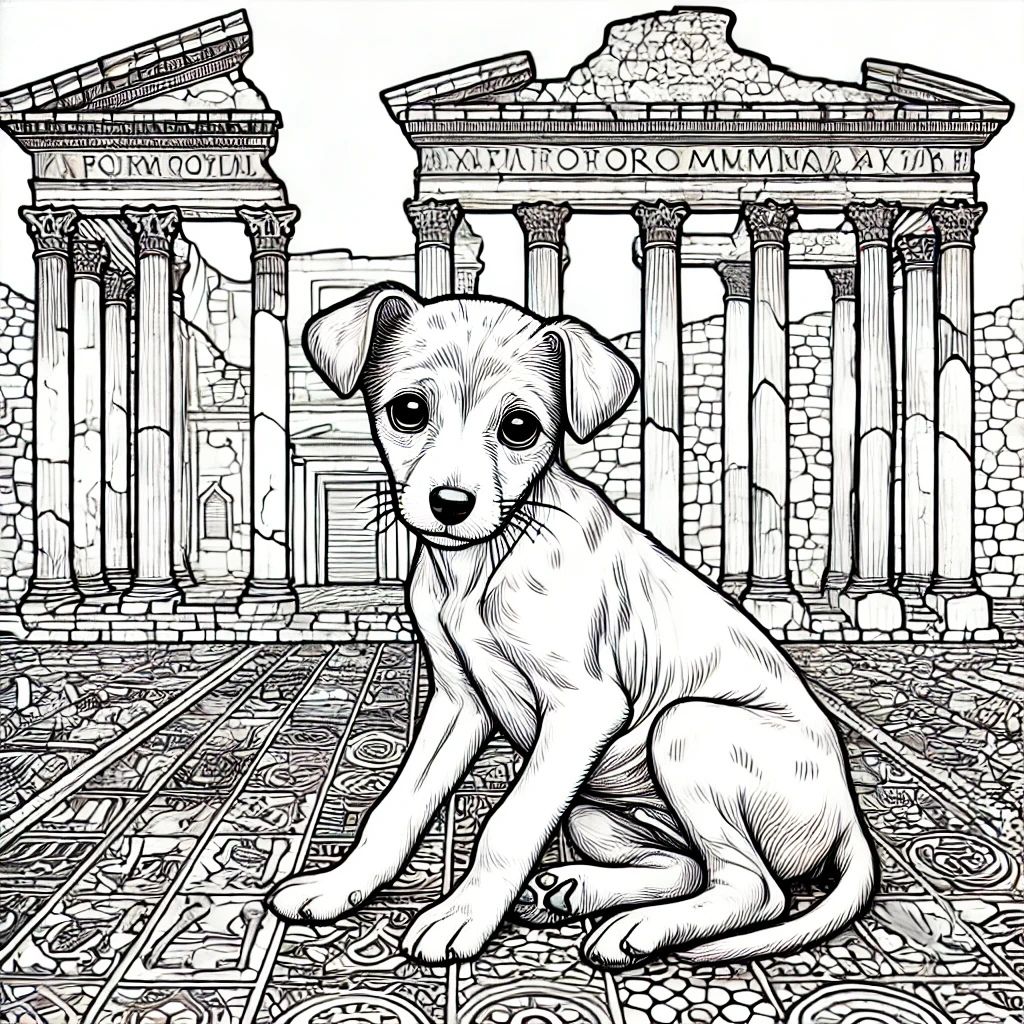
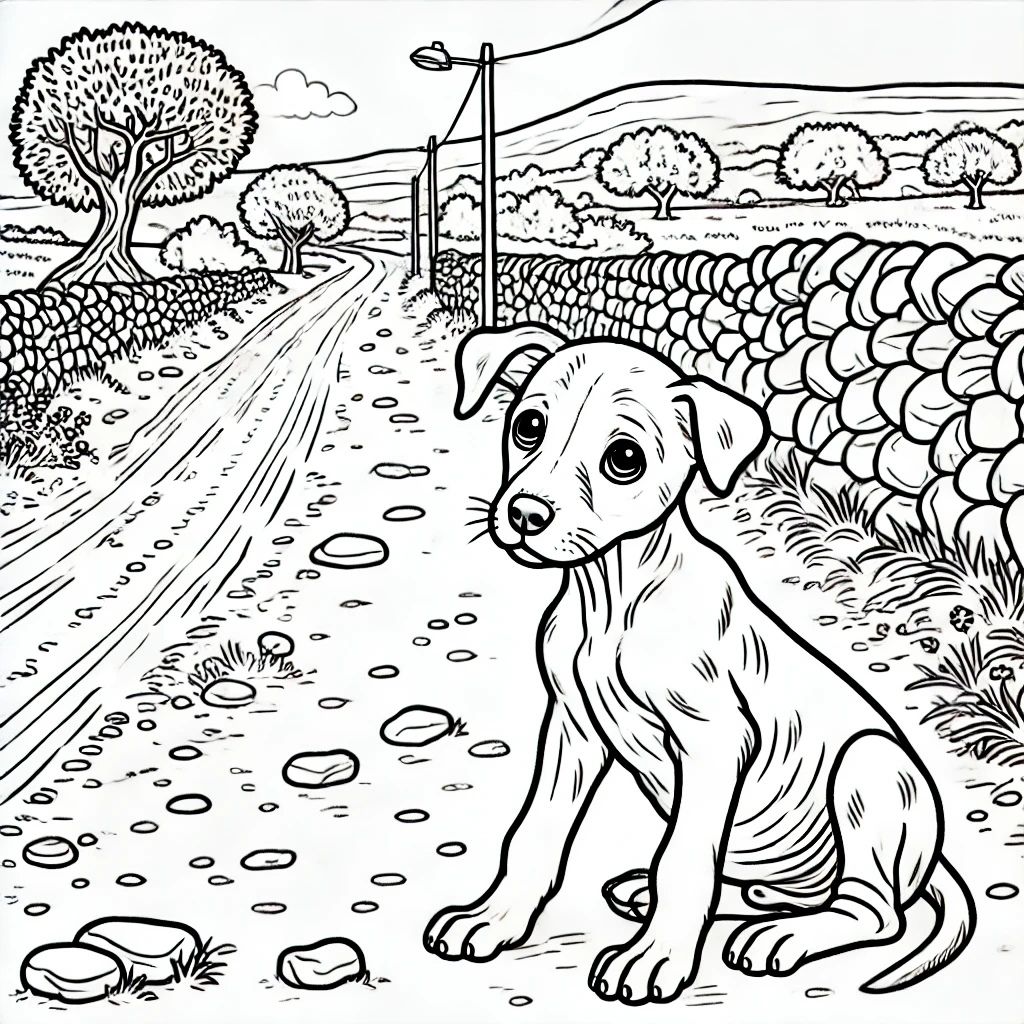
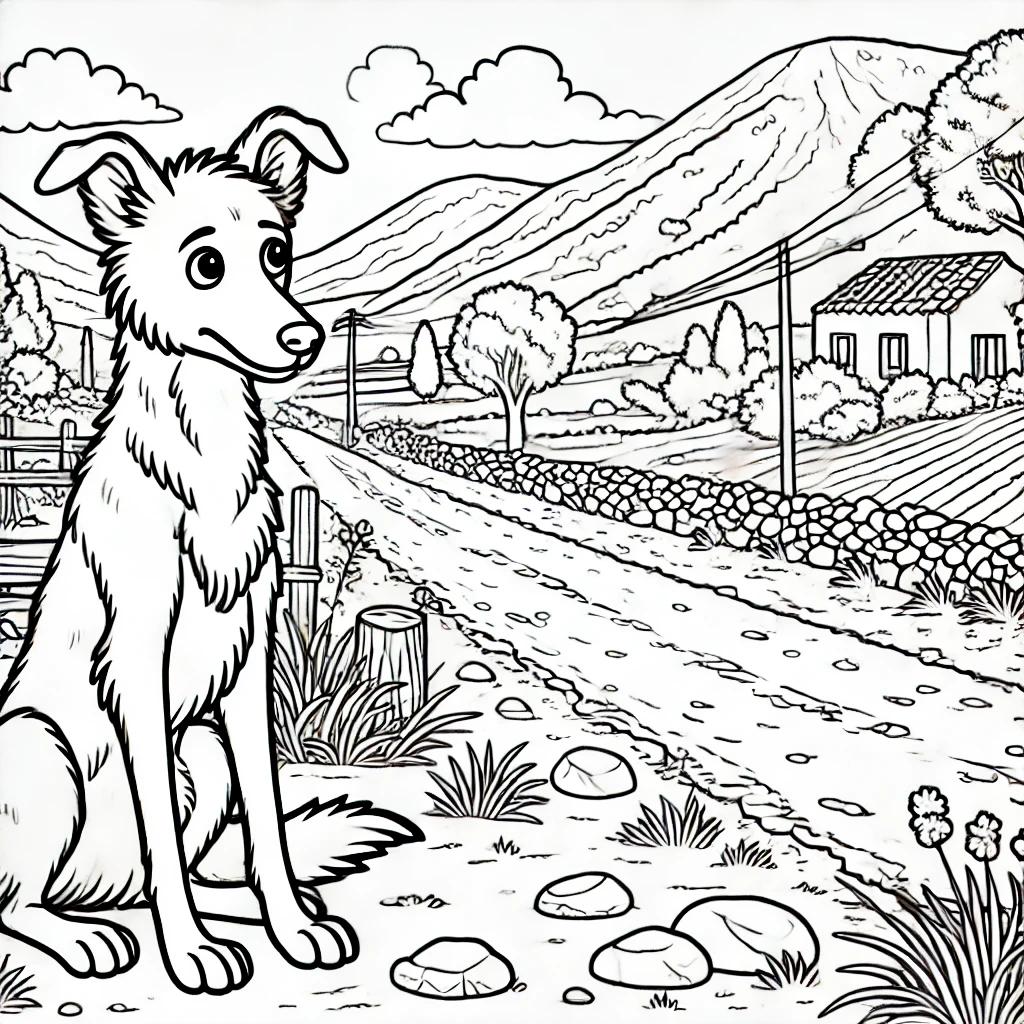
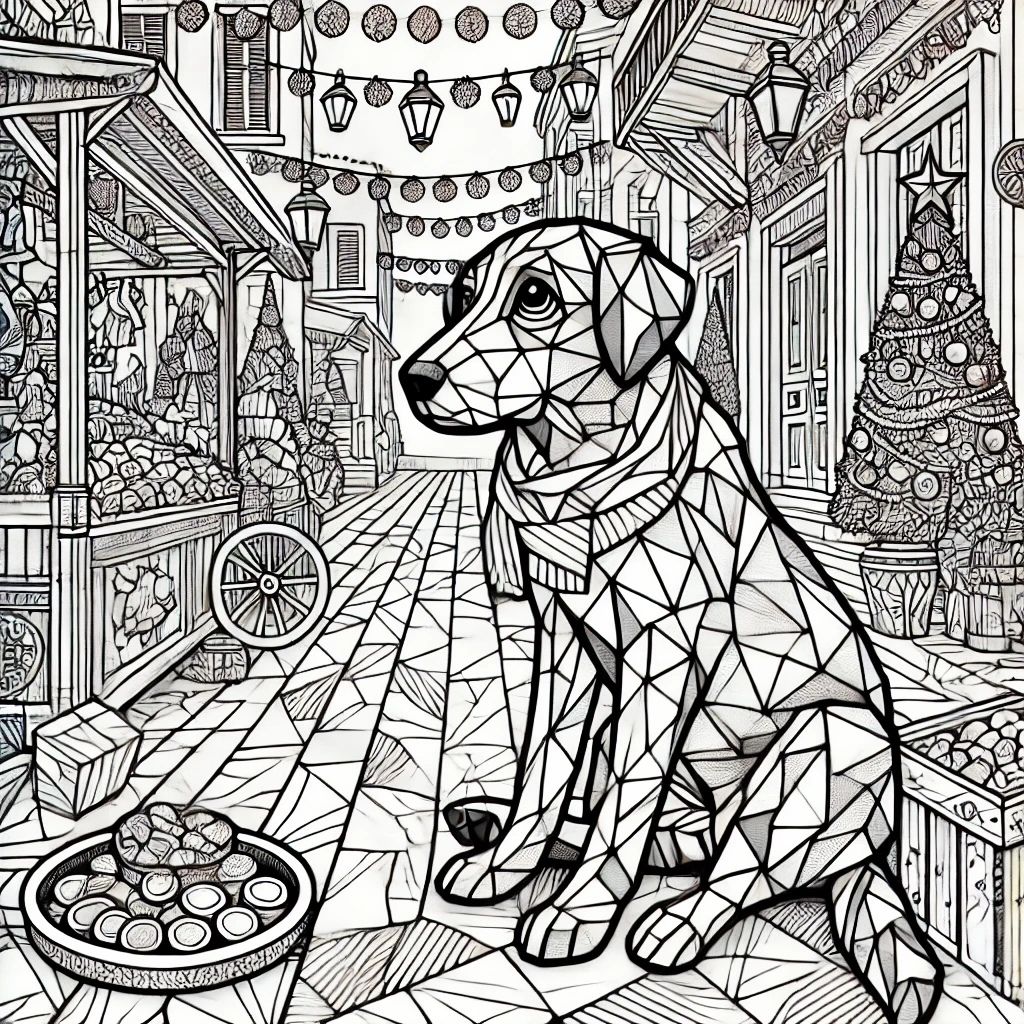
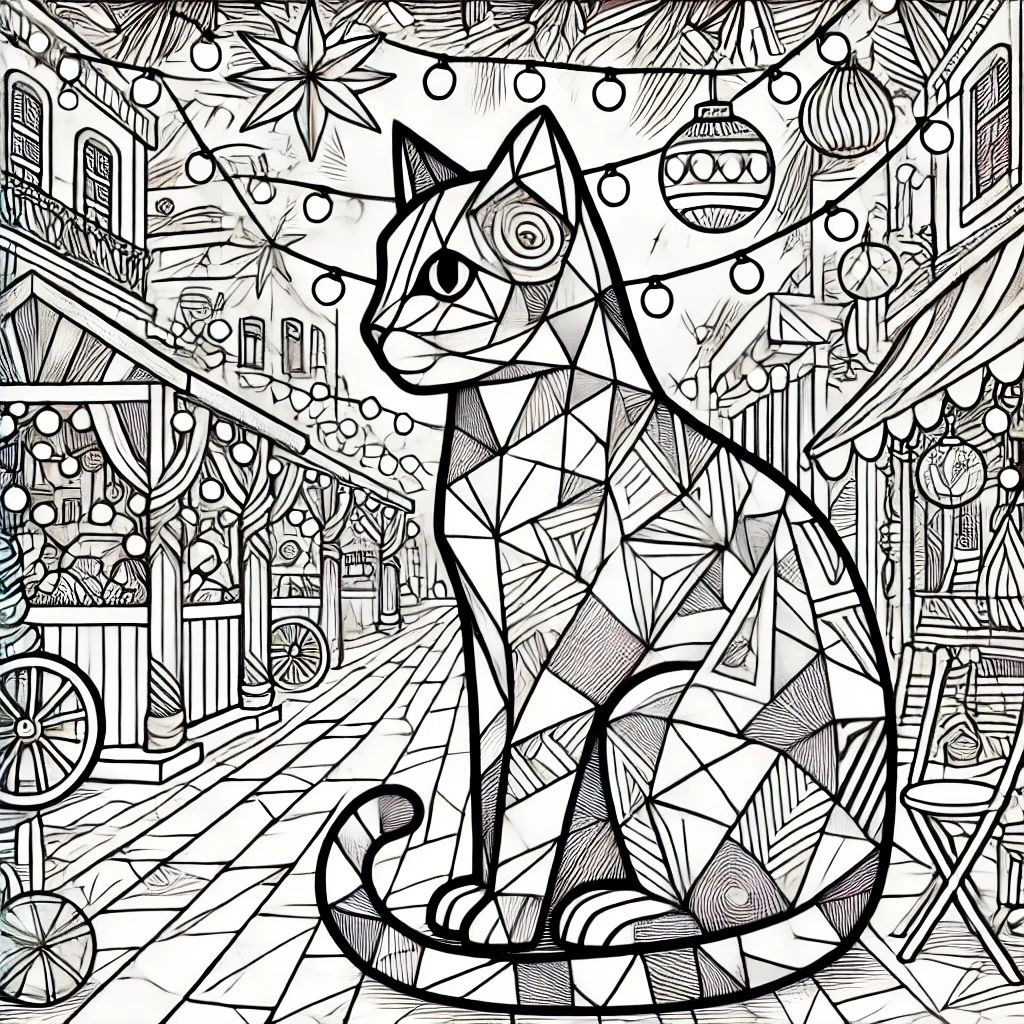
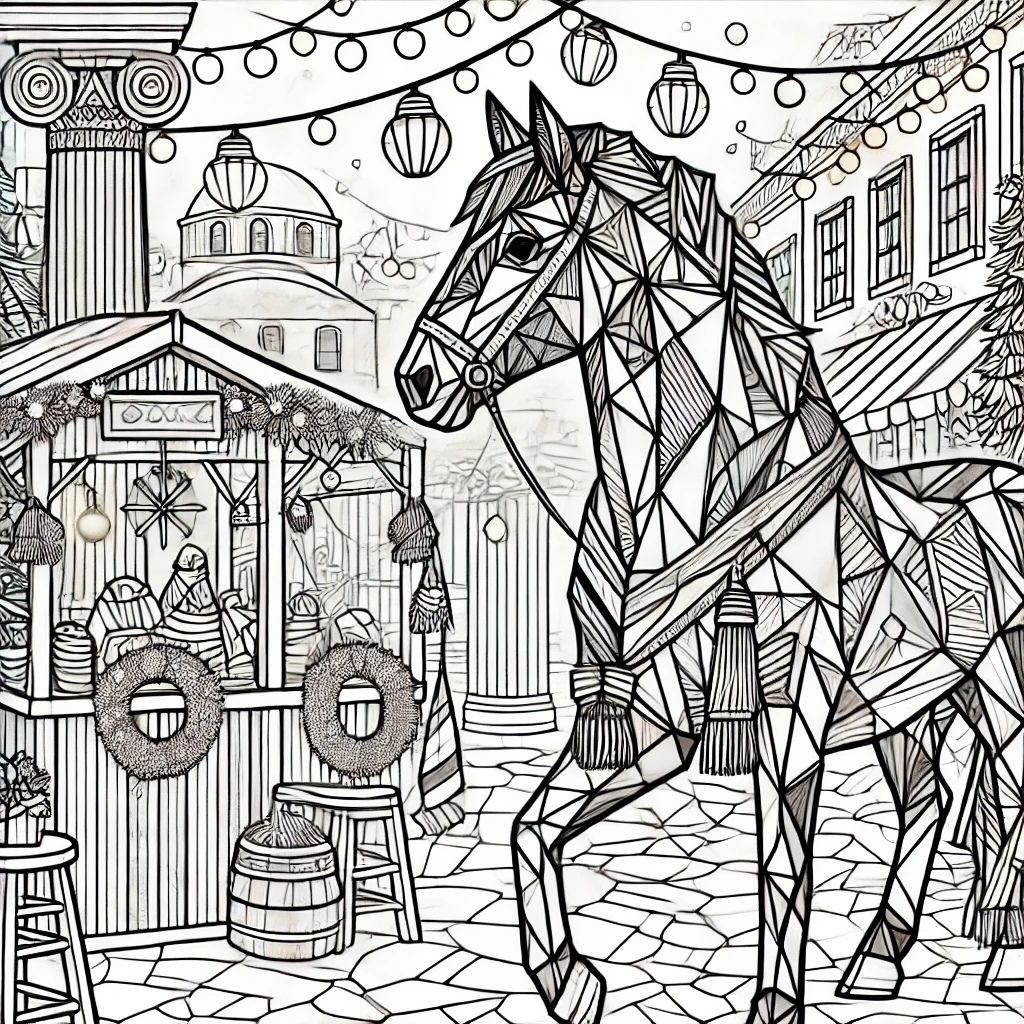
How to Print Your JPG Coloring Pages on DIN A4 Paper
- Check Image Resolution: Ensure the JPG file is high-resolution (300 DPI or higher) for clear, sharp outlines on A4 paper.
- Open the File in Print Mode:
Open the JPG file on your computer. This can be done with a simple image viewer or a program like Microsoft Photos or Preview on Mac. - Set Up Printer Settings:
Paper Size: Select A4 (210 x 297 mm) in your printer settings.
Orientation: Choose Portrait or Landscape depending on the page layout.
Scaling: Select “Fit to Page” to ensure the entire image fills the A4 sheet without cutting off edges. - Paper Choice:
For the best coloring experience, use 100-120 gsm white paper for colored pencils or crayons. For markers, 120 gsm or higher is ideal to prevent ink bleeding. - Print Quality:
Choose “Best” or “High Quality” in the print settings to enhance the detail and ensure bold, clean lines. - Print:
Review the preview to confirm everything looks correct, then print your page.
Enjoy your high-quality coloring pages!
These images were made with the help of chatgpt – who also happened to learn during the process a lot.